Emergency Access Links
Cleared records in the coach's pocket. Instantly.
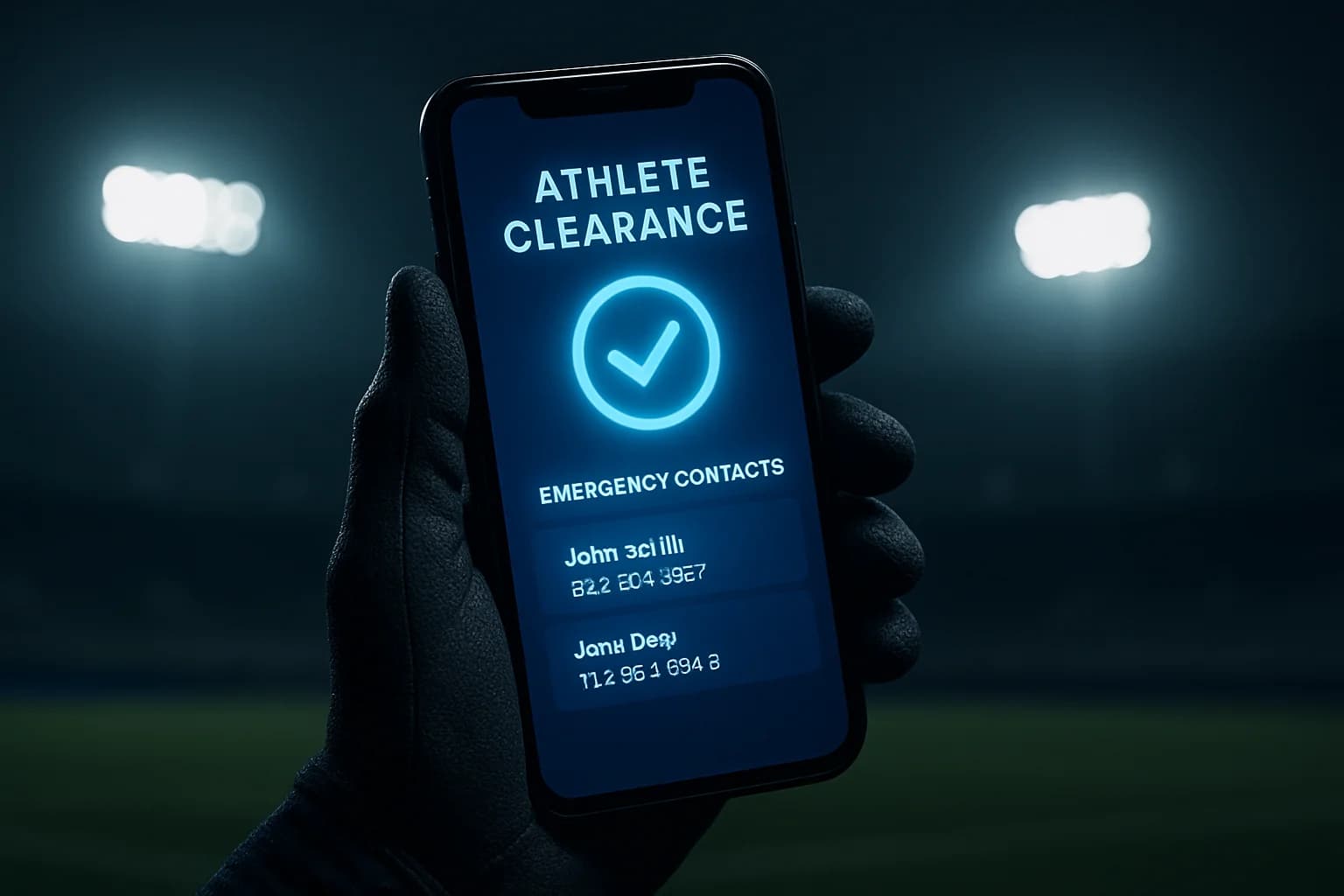
Cleared records in the coach's pocket. Instantly.
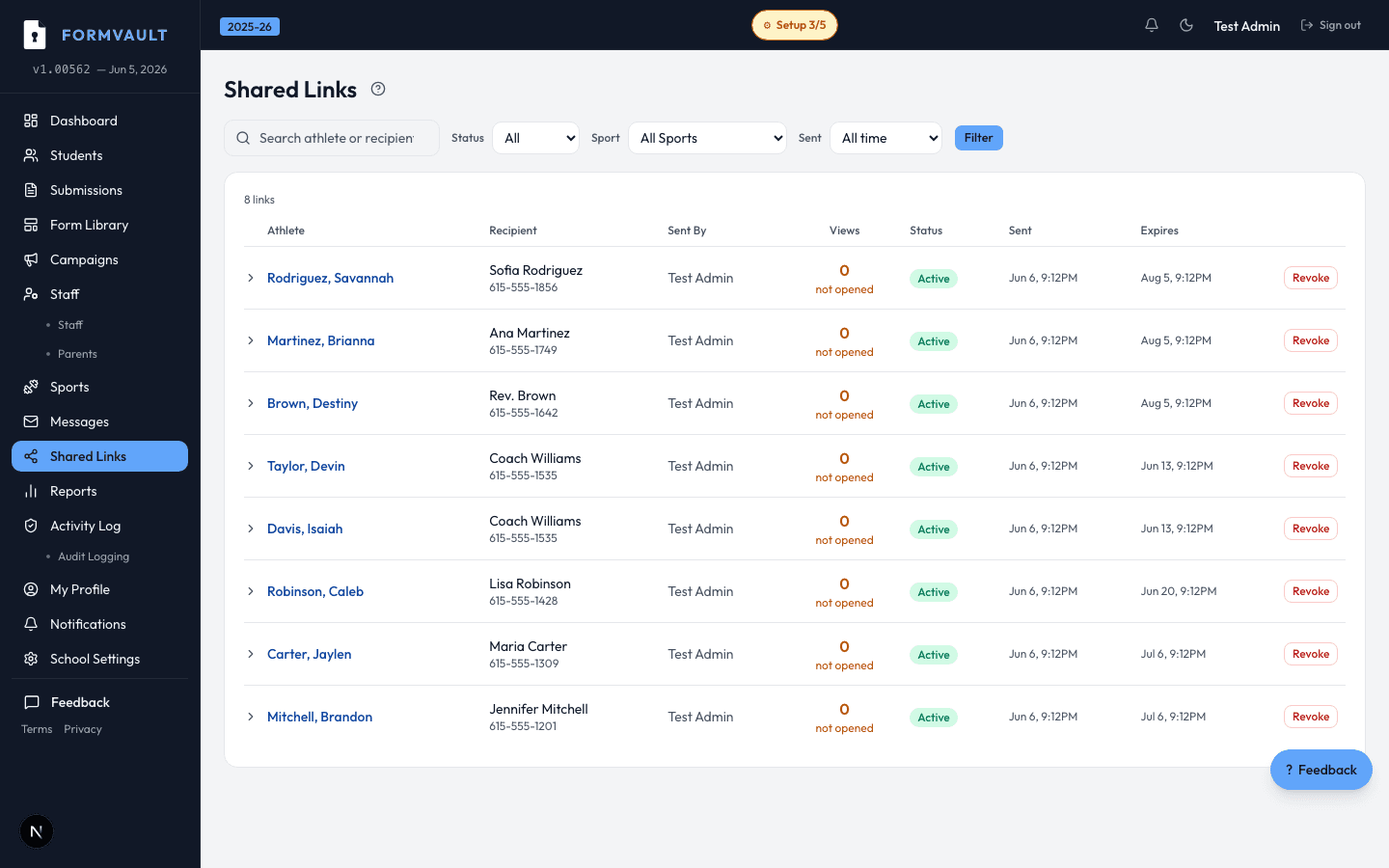
Generate a read-only, time-limited link that gives coaches and medical staff instant access to student clearance status and emergency contacts — without logging into the platform.
AD generates an emergency access link for a sport or event
Link contains read-only clearance + emergency contact data
Coach taps link on sideline — no login required
Link expires after 24 hours or when manually revoked
Anyone the athletic director shares it with — typically coaches, athletic trainers, team physicians, and designated medical personnel at events. No FormVault account is required. The link opens in any mobile browser and displays immediately.
Clearance status, emergency contact names and phone numbers, and any student notes the AD has added. Medical records and other sensitive form documents are not exposed through emergency links. The view is intentionally scoped to what field staff need in a crisis.
Emergency access links expire after 24 hours by default. Athletic directors can shorten the expiry window for higher-security situations or manually revoke any link from the admin panel in seconds if it was distributed in error.
No. Emergency access links are strictly read-only by design. No modifications can be made through the link — no status updates, no form edits, no data entry. This is intentional and cannot be overridden even by the athletic director.
Yes. Every view of an emergency access link is recorded in the audit trail with timestamp, access context, and IP address. This documentation is available for compliance reviews, legal discovery, or insurance purposes — you always know exactly who accessed what.
Revoke it immediately from the admin dashboard. The link stops working within seconds of revocation. A new link can be generated for authorized personnel and sent separately. The revocation event is also logged in the audit trail.