Parent Mobile Signing
Parents sign on their phone in under 2 minutes.
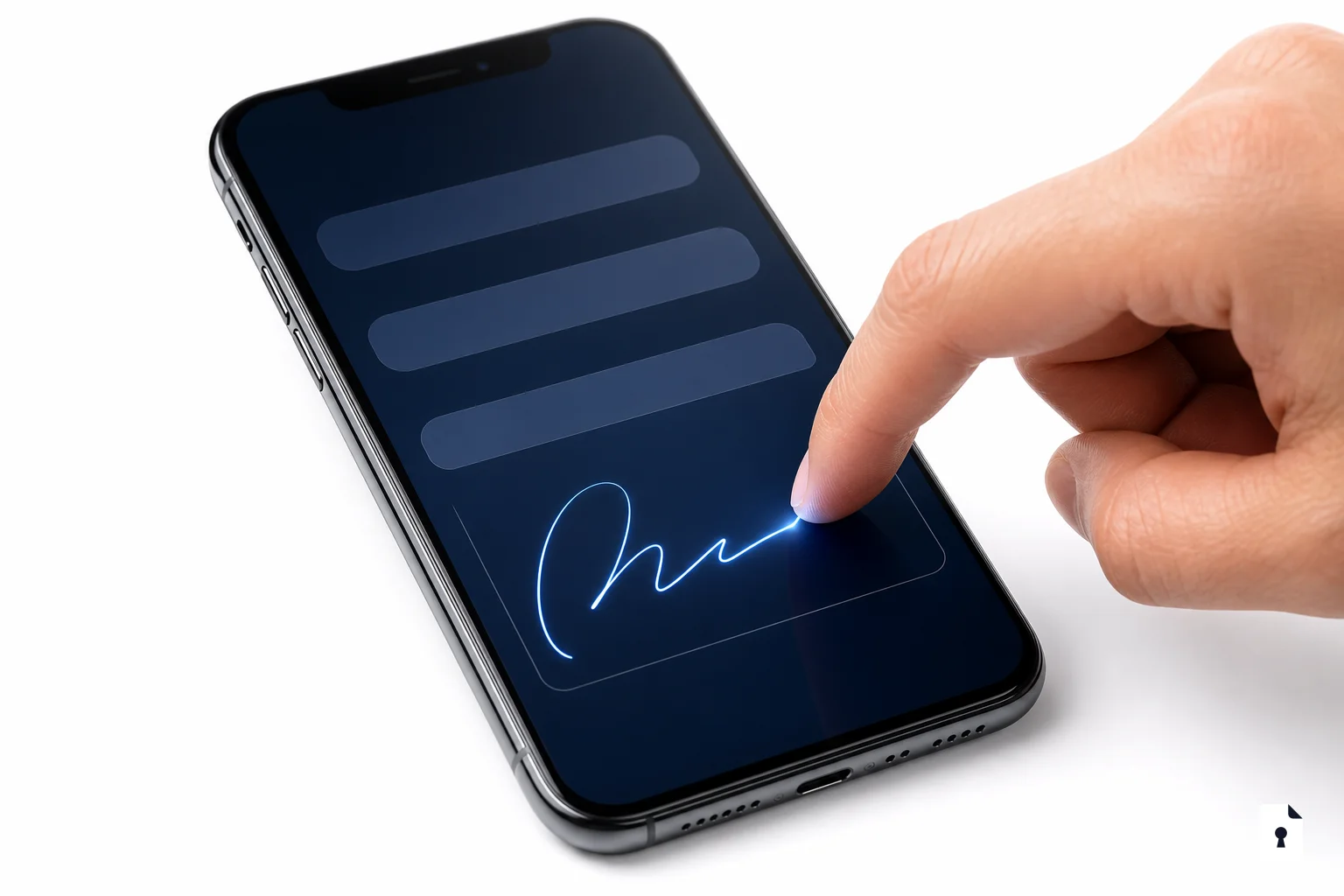
Parents sign on their phone in under 2 minutes.
FormVault's mobile signing flow is designed for a parent standing in a parking lot with one hand free. No app download, no account required — just tap the link, review, and sign.
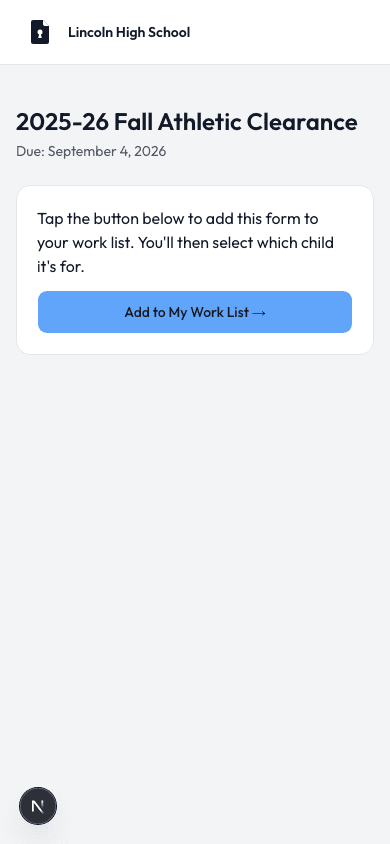
Parent receives a text or email with their unique signing link
Tap the link — opens instantly in any mobile browser
Swipe through form pages, draw or type a signature
Confirmation screen + email receipt sent immediately
No. Parents sign entirely in their mobile browser — Safari on iPhone, Chrome on Android, or any standard browser. There is no app to download and no account to create. The form opens immediately when a parent taps the link from their email or text message.
The athletic director sends the campaign link via email or posts the school's QR code. Parents can also receive individual links directly. Either way, tapping or scanning opens the form immediately without any login step.
Yes. The signing flow works on any device — phone, tablet, or desktop computer. The experience is optimized for mobile touchscreens, but there is no restriction on device type. Tablet signatures with a stylus are also fully supported.
Parents can draw a signature with their finger on a touchscreen or use a mouse on desktop. They can also type their full name as a typed electronic signature. Both methods produce a legally binding electronic signature under the ESIGN Act and UETA.
Before final submission, parents see a review screen where they can go back and correct any field. After submission, the athletic director can void and re-issue the form if a correction is needed — the original submission remains in the audit trail for compliance purposes.
Yes. An email confirmation with a summary of what was signed is sent immediately after successful submission. The student's clearance status updates in the admin dashboard at the same moment, so the AD knows in real time when each parent completes their forms.